Hello all
New to this stuff, so apologies if my questions are studio 
I have searched your documentation but not found anything ..
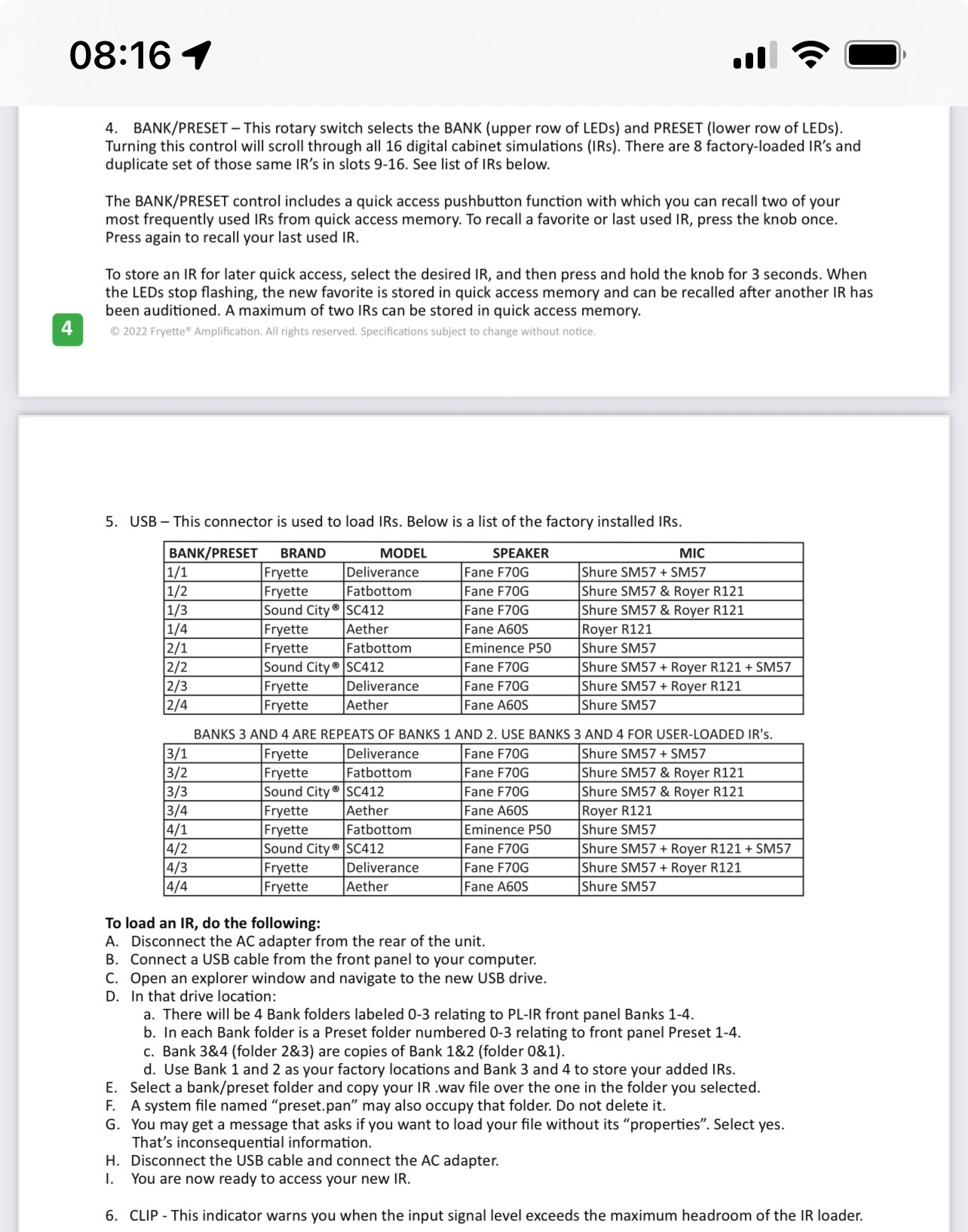
The GPDI/IR has this IR selector, with 8 leds:
Can you please tell me the logic behind this.
In Michael Nielsens video led 1 and 5 is steady and led 7 is flashing.
What does that actually mean ?
I suspect the way to operate the IR Loader is to scroll through the IR selection with the switch, and then press in the Switch to make the selection.
Kind regards Nils